Press kit
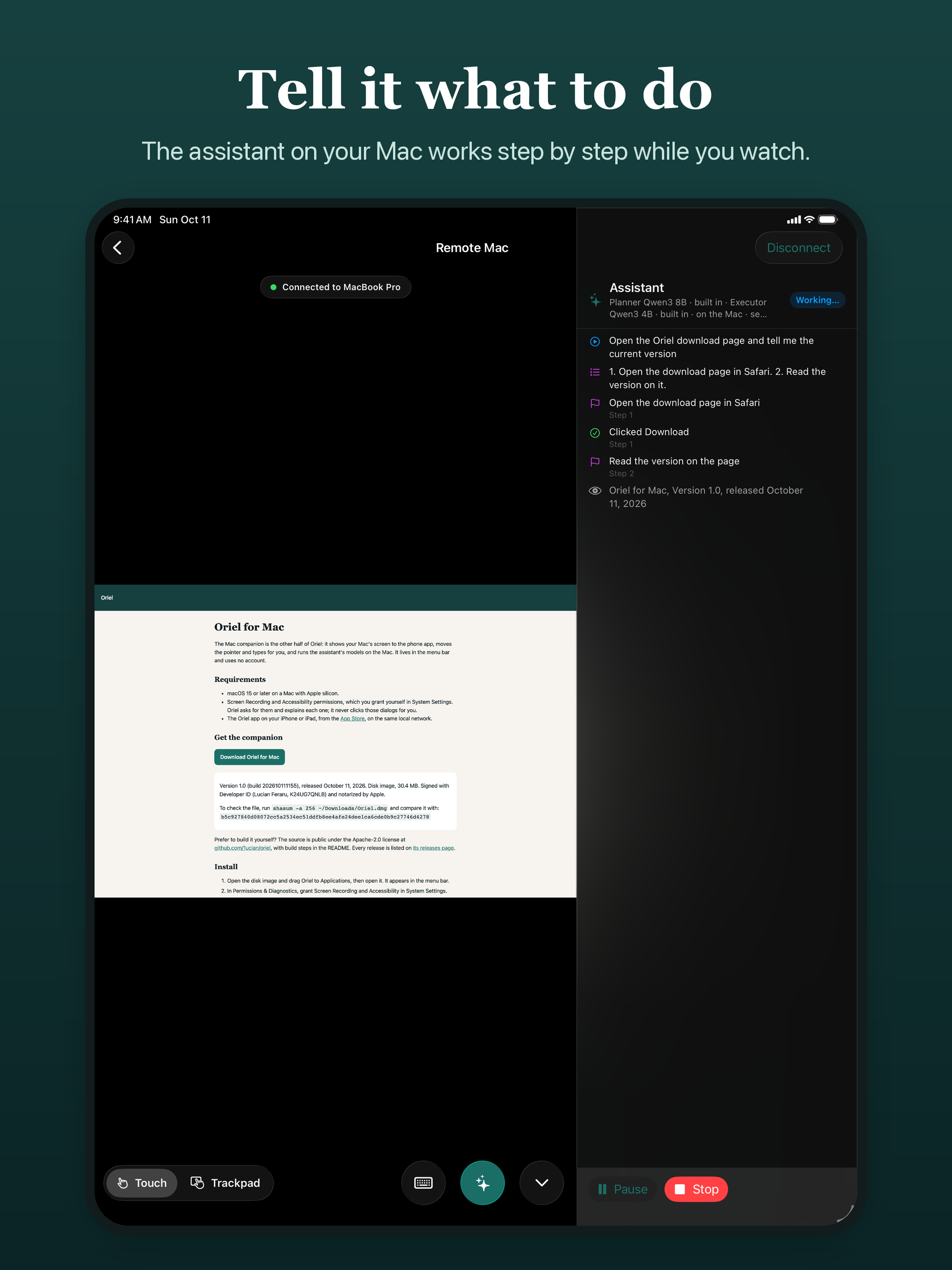
Oriel puts your Mac on your iPhone or iPad. You see its screen live and control it with touch, a trackpad pointer, the keyboard and your shortcuts. You can also type or dictate an instruction, and the assistant on your Mac carries it out step by step while you watch.
Download the press kit (icon and screenshots, 4.7 MB)
Short description
See and control your Mac from your iPhone or iPad, and hand it instructions that an assistant on the Mac carries out.
About
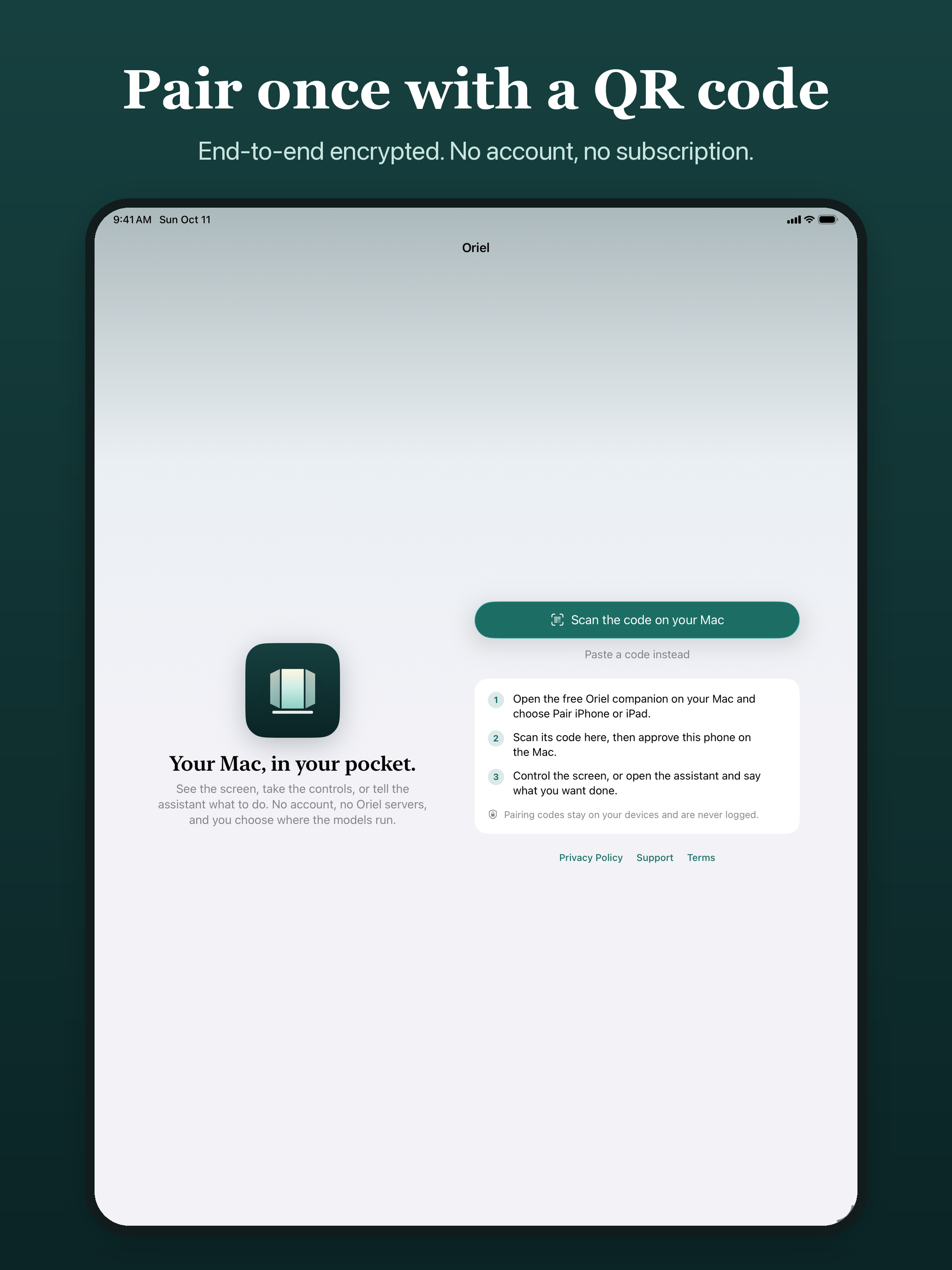
Oriel pairs a phone with a Mac once, with a QR code, and reconnects on the local network after that. Screen pixels travel only end-to-end encrypted from the Mac to the paired phone.
The assistant splits the work between two models: a planner breaks a request into small sub-tasks, and a fast executor reads the screen on the Mac and carries each one out. The owner can pause, stop, answer its questions or approve a step. It never types passwords, one-time codes or card numbers, and it asks on the phone before payments, deletions, public posts, sign-ins and system security dialogs.
The models run on the Mac, on the owner's own network through Ollama or any OpenAI-compatible server, or with a frontier model through the owner's own key. There is no Oriel account and no subscription. The Mac companion is free and its source is public under the Apache-2.0 license.
Facts
- Name
- Oriel (Oriel Remote Desktop on the App Store)
- Maker
- 67 Enterprise
- Platforms
- iPhone and iPad on iOS 18 or later, with the free Mac companion on macOS 15 or later on Apple silicon
- Price
- $0.99 while it is new, then $2.99, once. The Mac companion is free.
- Privacy
- No account, no analytics, no Oriel servers. Screen pixels are end-to-end encrypted between the owner's devices.
- Source
- github.com/1ucian/oriel (the Mac companion and the session protocol)
- Links
- App Store · Mac companion · Support
Icon

Screenshots
iPhone (1320 × 2868):
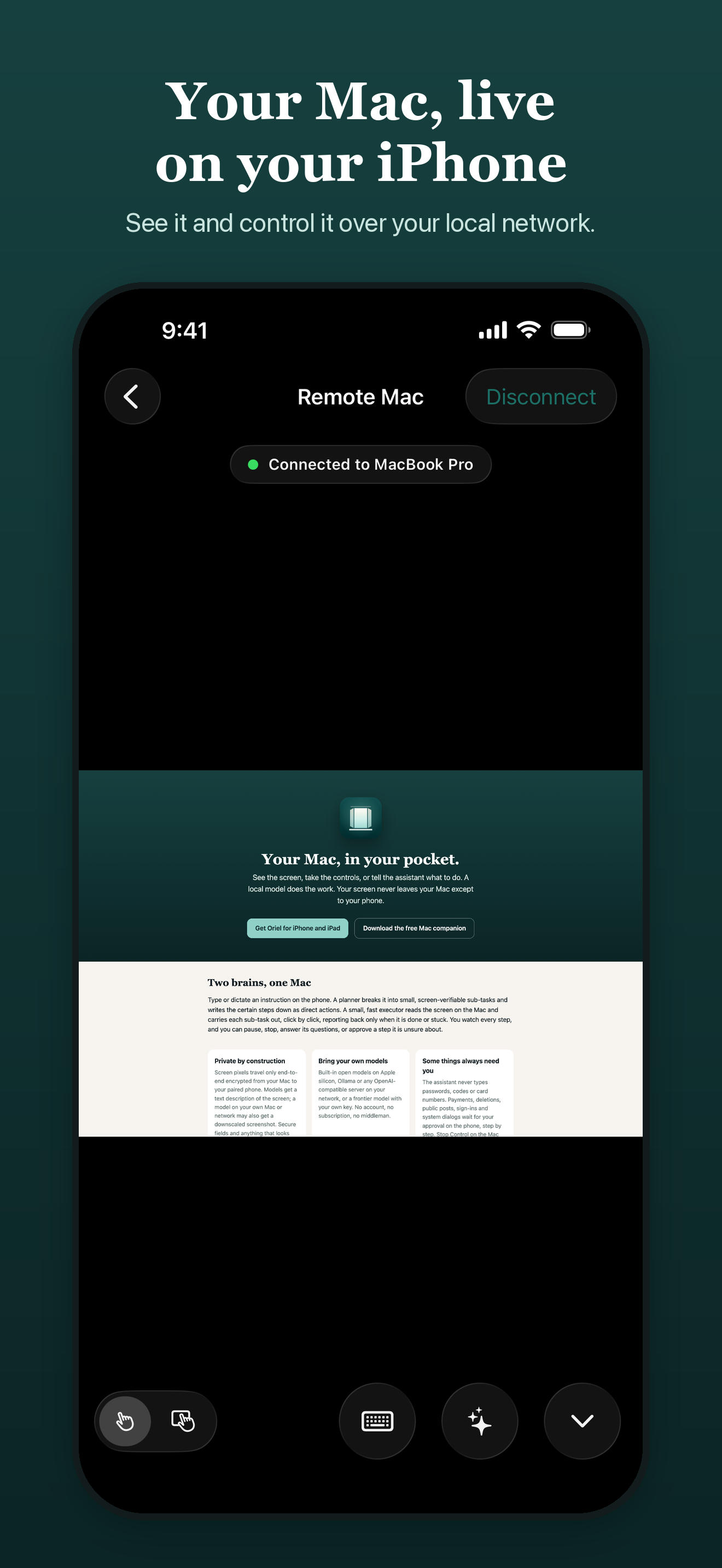
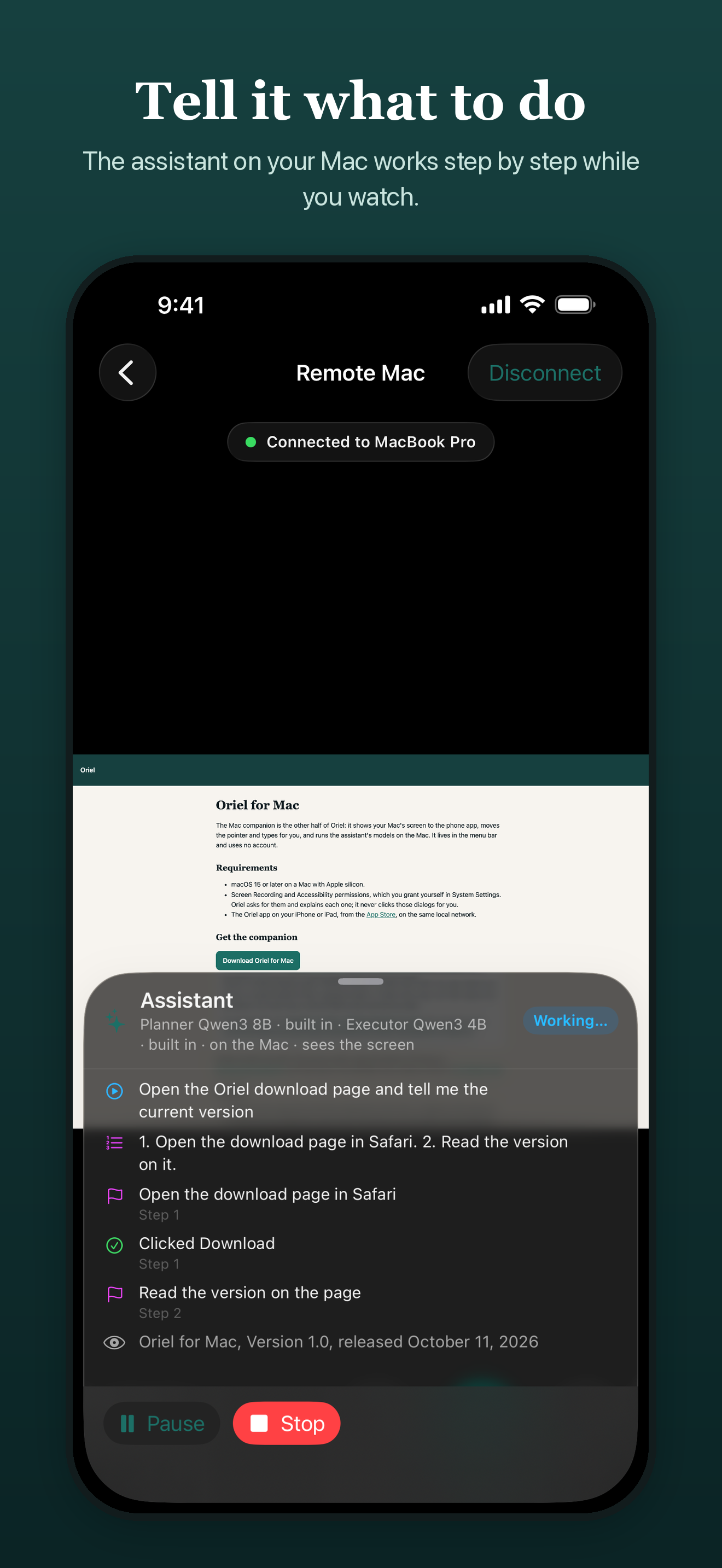

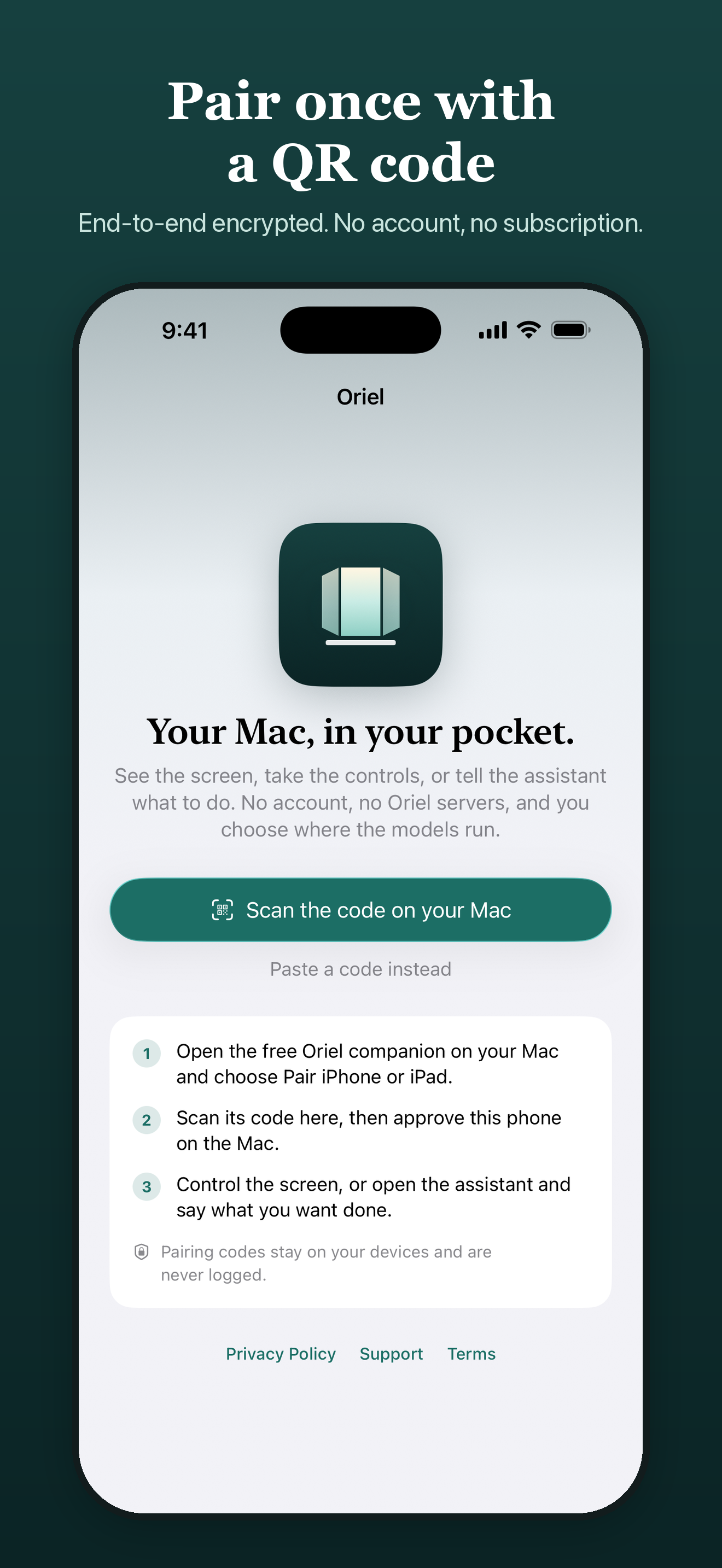
iPad (2064 × 2752):
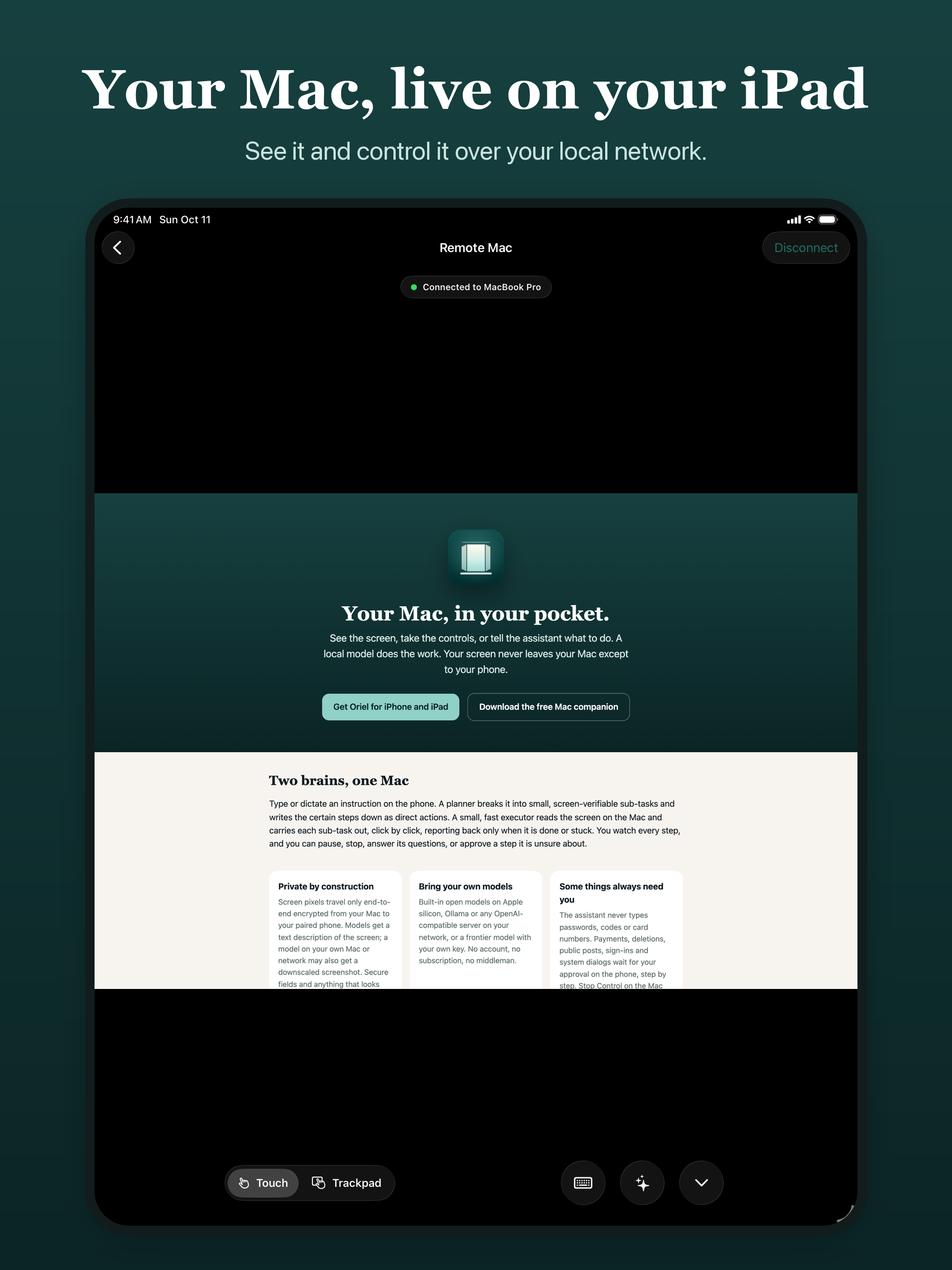

Contact
Press questions: info@67enterprise.com.