
Two brains, one Mac
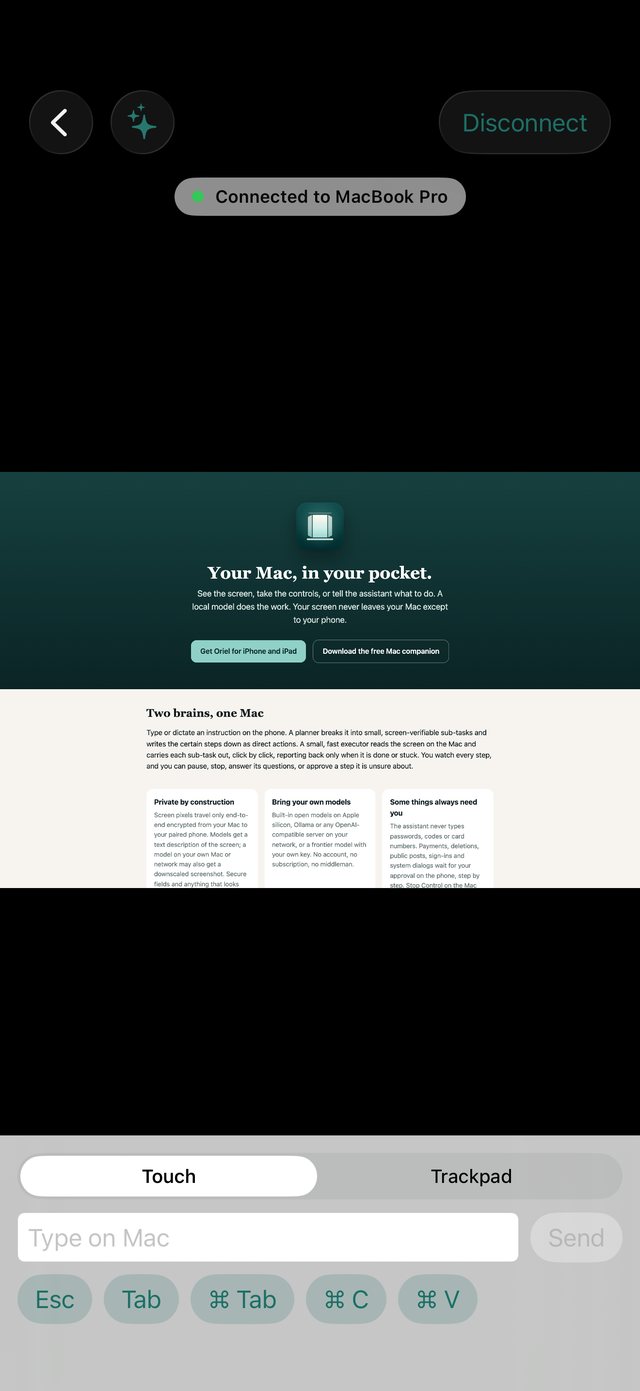
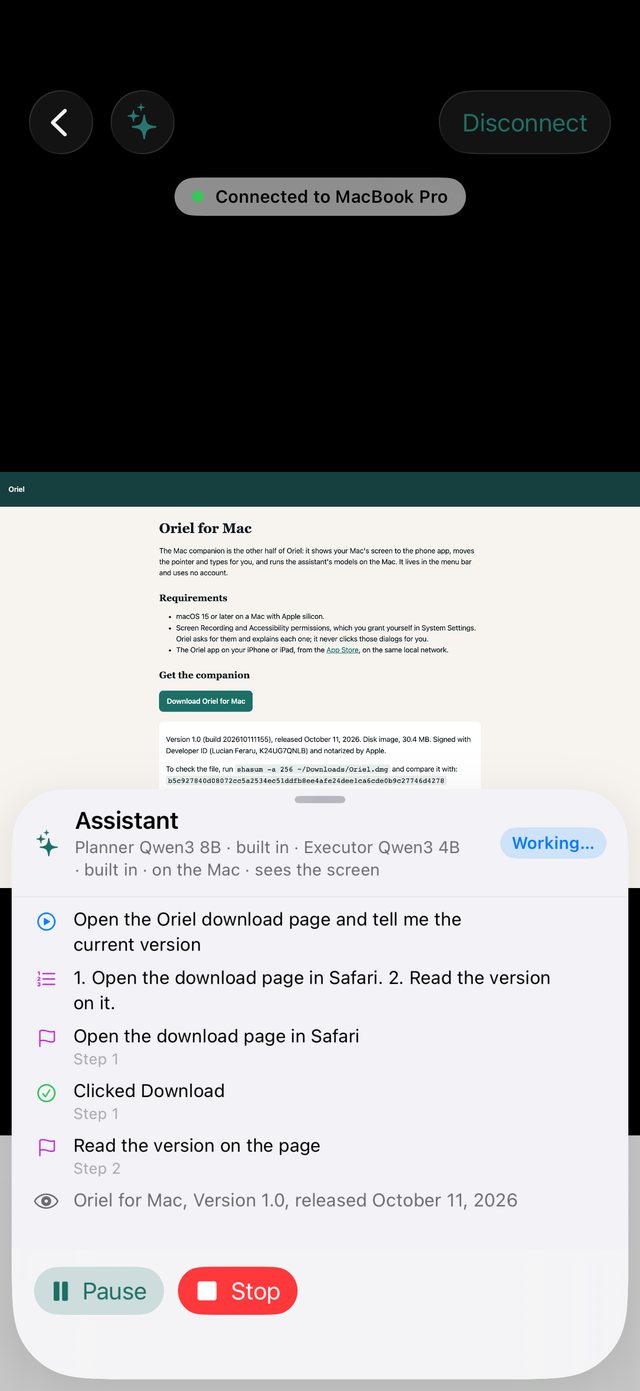
Type or dictate an instruction on the phone. A planner breaks it into small, screen-verifiable sub-tasks and writes the certain steps down as direct actions. A small, fast executor reads the screen on the Mac and carries each sub-task out, click by click, reporting back only when it is done or stuck. You watch every step, and you can pause, stop, answer its questions, or approve a step it is unsure about.
Private by construction
Screen pixels travel only end-to-end encrypted from your Mac to your paired phone. Models get a text description of the screen; a model on your own Mac or network may also get a downscaled screenshot. Secure fields and anything that looks like a secret are left out.
Bring your own models
Built-in open models on Apple silicon, Ollama or any OpenAI-compatible server on your network, or a frontier model with your own key. No account, no subscription, no middleman.
Some things always need you
The assistant never types passwords, codes or card numbers. Payments, deletions, public posts, sign-ins and system dialogs wait for your approval on the phone, step by step. Stop Control on the Mac ends everything.
Open source
The code is public under the Apache-2.0 license so the privacy claims can be read, not just believed. The signed App Store build and the notarized companion are what you pay for, once: $0.99 while it is new, $2.99 after.
Requirements
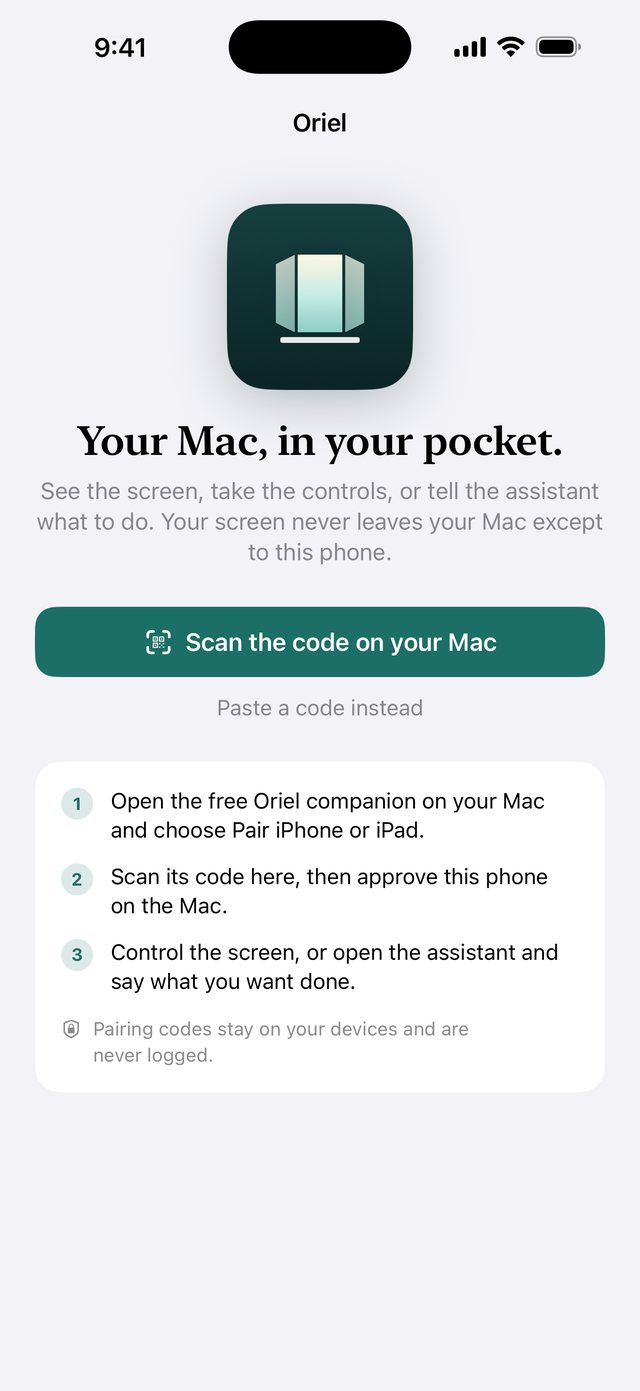
iPhone or iPad on iOS 18 or later. A Mac with Apple silicon on macOS 15 or later. Both devices on the same local network.